
🔹 Corporate Rates
Corporate rates are special discounts offered to specific clients or client groups — often linked to companies or organizations.
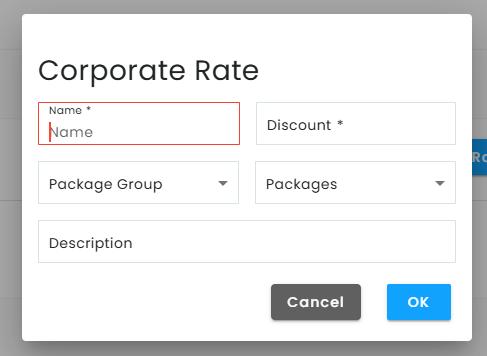
How to Set Up a Corporate Rate:
- Enter the Rate Name – Give your discount a clear, recognizable name.
- Set the Discount Amount – Choose a percentage or a fixed amount.
- Choose the Package Group (Optional) – Apply the rate to an entire group of class packages.
- Apply to Specific Packages (Optional) – Click “Packages” to select only the packages you want the rate to apply to.
- Add a Description (Optional) – Include any additional notes or details about the discount.
- Click OK to Save – Make sure to save all changes.
🔹 Other Discount Types
- Field Corporate Rates
Similar to corporate rates, but applied specifically to field reservations for select clients.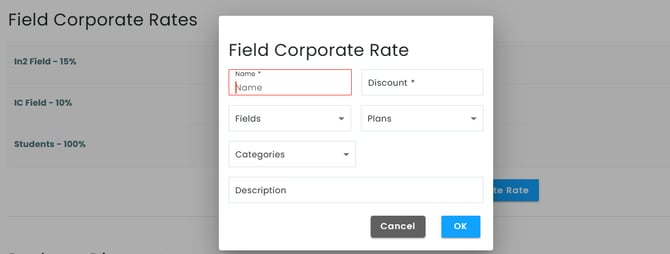
- Package Discounts
These are package-to-package discounts (PTP). If a client owns a specific package, they’ll automatically receive a discount on another package of your choice. Simply define the package condition and the discounted package(s).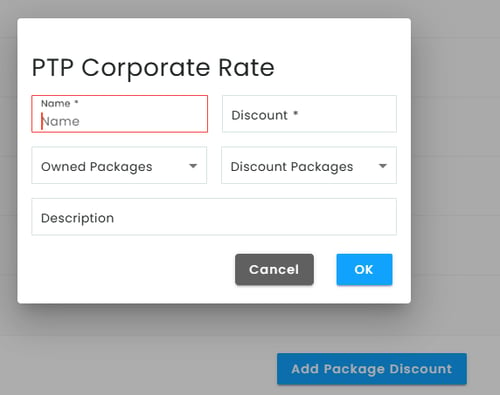
- Field Discounts
General discounts that apply to field bookings. These can be client-specific or based on timing (e.g., off-peak hours).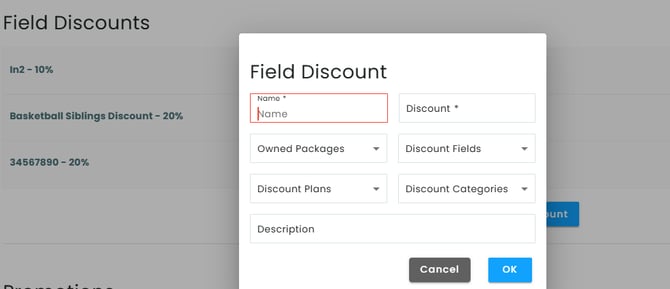
- Promotions
Time-limited offers applied to packages, sessions, or fields.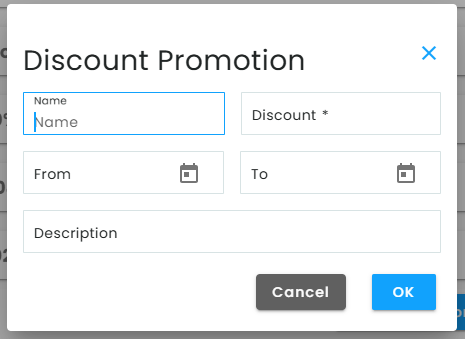
To create a promotion:
- Choose a start and end date.
- Select the packages or services the promotion applies to.
- Save the promotion — it will automatically apply during the defined period.
- Choose a start and end date.
- Promo code
Go to company settings > click on Discount settings > click on add promo code > Fill all info > save.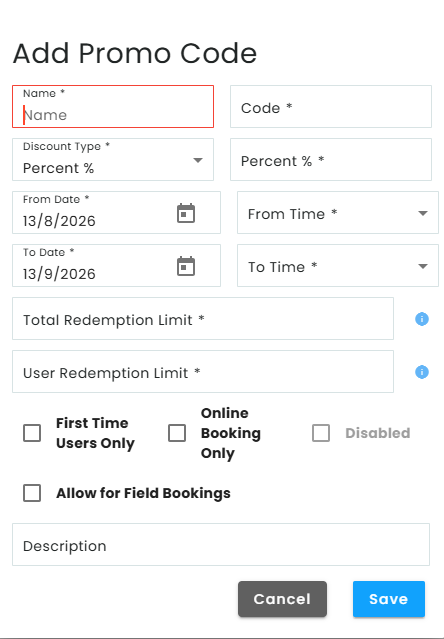
Please note that you can't use promo codes on the system, only clients can use it from the app.
The client will be able to apply the promocode when booking or buying a package on the app
🔧 Additional Discount Tools
- Discount Fields – Customize fields where discounts apply.
- Discount Plans – Pre-set discount structures that can be reused.
- Discount Categories – Organize your discounts for better management.
- Owned Package Conditions – Allows you to apply a discount only if the client already owns a specific package.
📌 Use these tools to boost customer loyalty, reward long-term clients, or run effective marketing campaigns through promotions. If you need help setting up a specific type of discount, feel free to reach out to our support team!